插件信息
1、插件前身:https://github.com/mhcyong/Passport;
2、主要更新了一下PHPMailer到最新版本;
3、适配了PHP 8.5和Typecho 1.3.0;
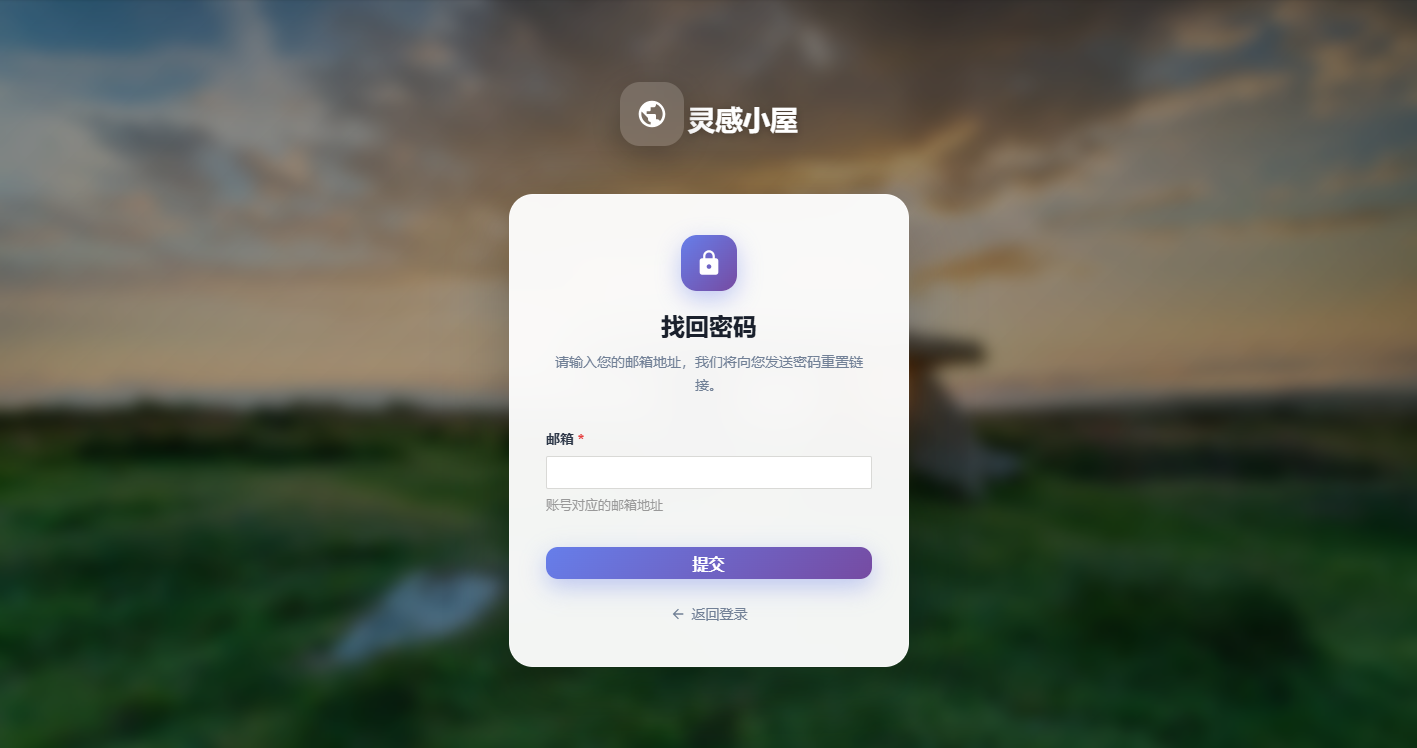
4、重新设计了密码找回和重置界面,使用现代化样式;
5、背景采用了 灵感小屋 提供的bing每日壁纸端口,实现了每次登录都有不同的背景;
6、开源地址:https://github.com/tianlingzi/TypechoPassport;
7、本站下载:TypechoPassport-2.0.zip;
使用帮助
1、上传插件包到 usr/plugins/ 目录
2、在Typecho后台启用插件
3、配置插件的SMTP信息
4、打开 admin/login.php 文件,做以下修改:
// 找到这里
<?php if($options->allowRegister): ?>
•
<a href="<?php $options->registerUrl(); ?>"><?php _e('用户注册'); ?></a>
<?php endif; ?>

// 在它下面插入以下代码
<?php
   $activates = array_keys(Typecho_Plugin::export()['activated']);
   if (in_array('TypechoPassport', $activates)) {
       echo '<a href="' . Typecho_Common::url('passport/forgot', $options->index) . '">' . '忘记密码' . '</a>';
   }
?>
5、保存修改后,登录页面会显示"忘记密码"链接
功能特性
- 支持PHP 8.5和Typecho 1.3.0
- 现代化的密码找回和重置界面
- 使用Bing每日壁纸作为背景
- 响应式设计,适配不同屏幕尺寸
- 实时密码强度提示
- 平滑的动画效果
- 支持自定义发件人名称
注意事项
- 确保SMTP配置正确,否则邮件发送会失败
- 密码重置链接有效期为1小时
插件截图: