nextcloud可以通过加载自定义的css,从而修改nextcloud的显示样式。
第一步导入css
1.在nextcloud网页根目录的themes中创建一个文件夹:“mytheme”(可以自定义,这个就是后面的主题名称);
2.在“mytheme”中创建文件夹:“core”;
3.“core”中创建“css”文件夹;
4.将“server.css”添加到“css”文件夹下;
5.修改nextcloud的config.php文件(在config文件夹下);
添加或修改:
'theme' => 'mytheme',6.刷新页面即可发现修改成功。
添加图片代理
如果不使用每日壁纸可以不做下面的修改。
因为nextcloud有自己的CSP,限制跨域的文件访问。
因此需要在本域名下做代理。
在配置文件中添加:
location = /bing {
    # 关键:直接代理到 https://www.tianlingzi.top/bing/1920x1080.php
    proxy_pass https://bing-backend/bing/1920x1080.php ;

    # Nginx 拦截上游 301/302/307,自动跟随跳转
    proxy_intercept_errors on;
    error_page 301 302 307 = @handle_redirect;

    # HTTPS 代理推荐配置
    proxy_ssl_server_name on;
    proxy_set_header Host www.tianlingzi.top;
    proxy_set_header X-Real-IP $remote_addr;
    proxy_set_header X-Forwarded-For $proxy_add_x_forwarded_for;
    proxy_set_header X-Forwarded-Proto https;
}

location @handle_redirect {
    # 重新构造目标 URL:使用 upstream 域名 + 上游 Location 头里的路径
    # $upstream_http_location 形如:https://www.tianlingzi.top/bing/cache/xxx.jpg
    # 我们用正则把路径部分提取出来,再拼到 bing-backend 上

    set $bing_path '';
    if ($upstream_http_location ~ ^https://www\.tianlingzi\.top(/bing/cache/.*)) {
        set $bing_path $1;
    }

    # 如果正则没匹配上,给个默认值(防止空路径)
    if ($bing_path = '') {
        set $bing_path '/bing/cache/default.jpg'; # 按你实际调整
    }

    proxy_pass https://bing-backend$bing_path ;

    proxy_ssl_server_name on;
    proxy_set_header Host www.tianlingzi.top;
}这里的主题和配置文件直接使用的是本站提供的bing每日壁纸代理服务。可按需修改,只需修改nginx代理配置就行,因为主题文件里是访问:域名/bing,再由nginx转接到目标地点。
第一版(2026.8.19)
说明
本次修改,增加了很多毛玻璃和半透明效果,还将壁纸从默认壁纸改成了必应的每日壁纸。
注意:这一版纯AI生成,修改了一些参数,目的只是为了引入每日壁纸,因此存在很多细节未完善。对于仅oidc登录不需要登录页、且只使用浅色模式的用户,无影响。
样式参考
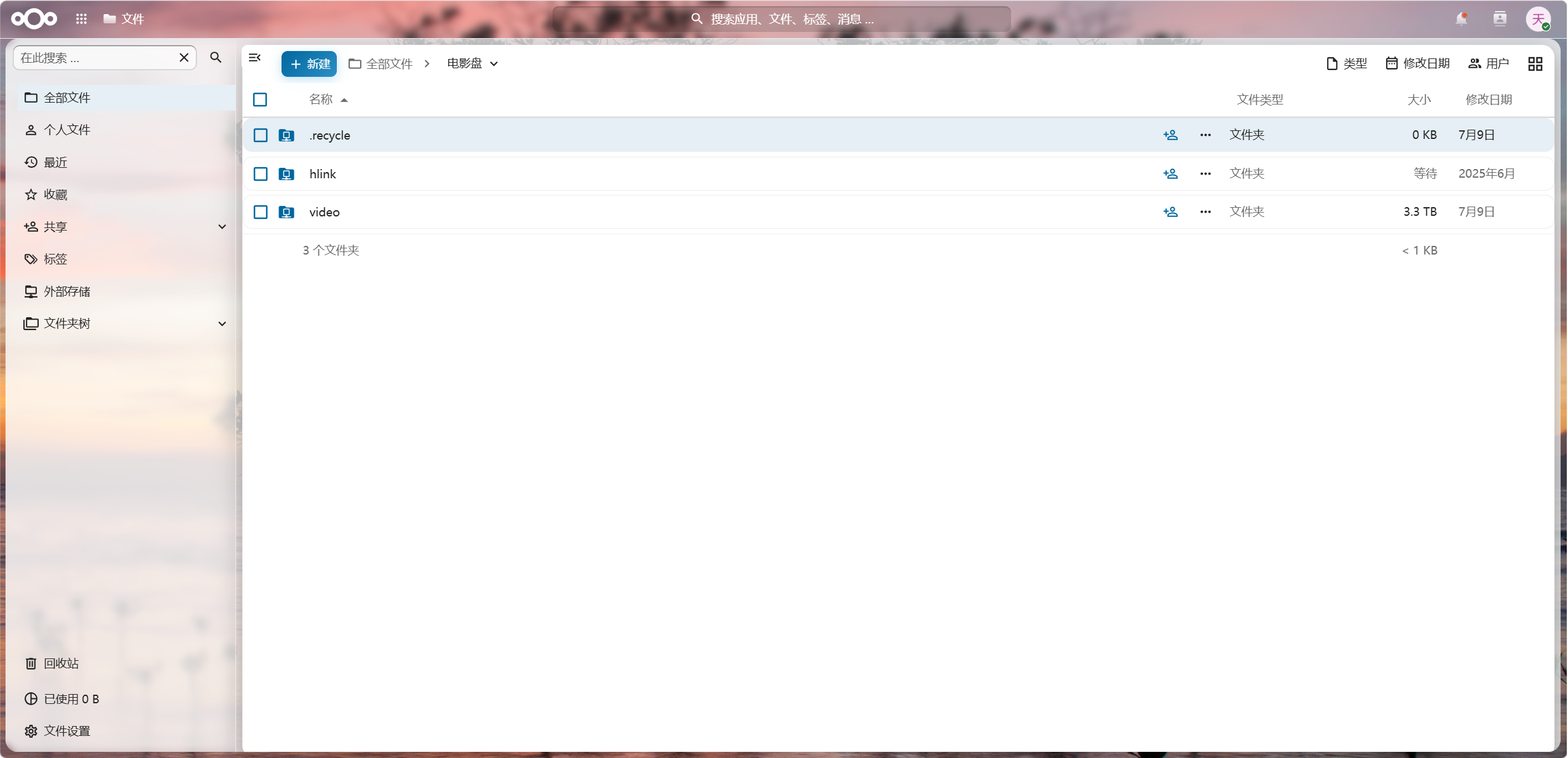
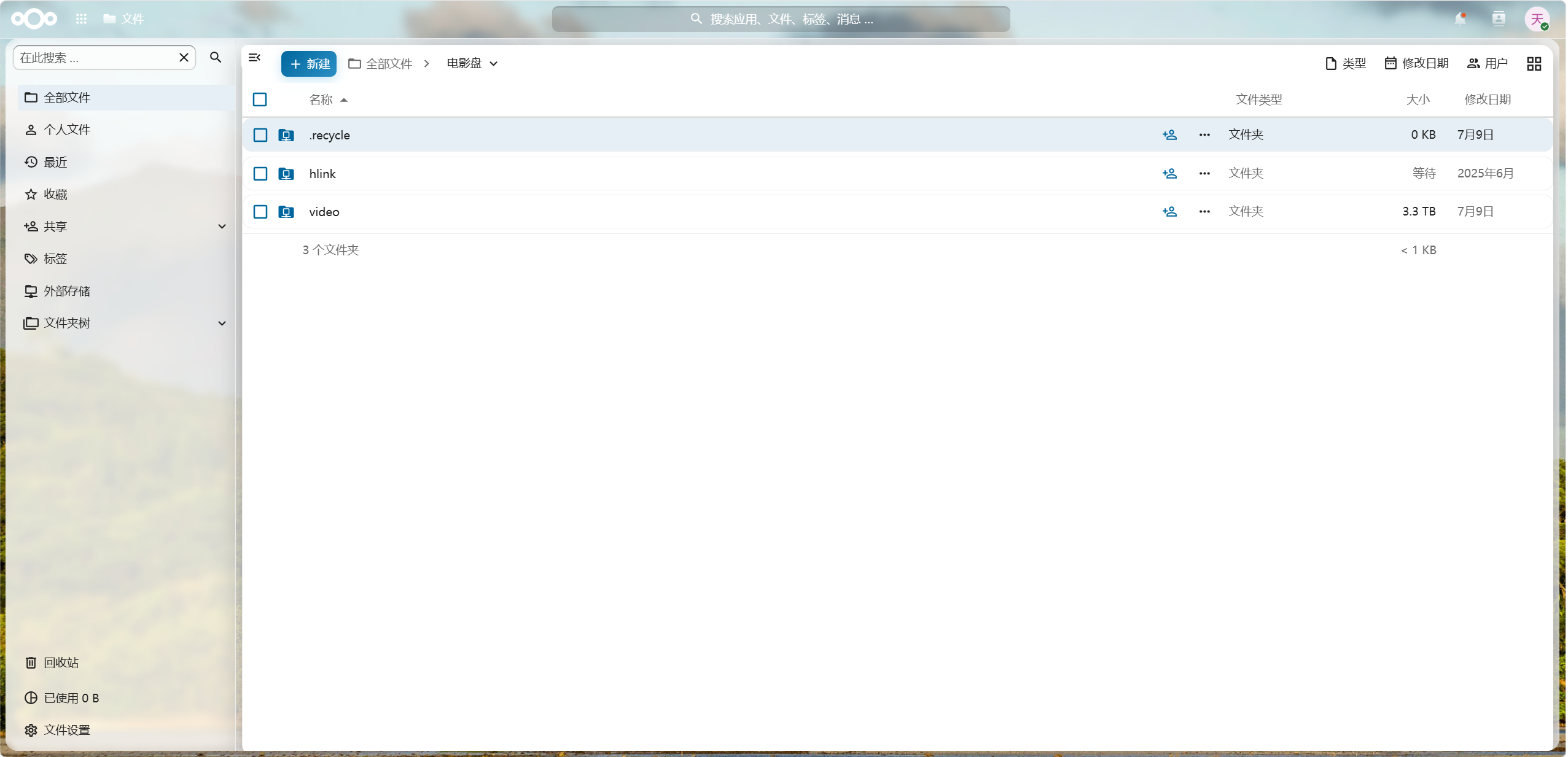
文件下载
该部分仅登录用户可见
第二版(2026.8.31)
说明
本次改版,参考第一版风格,进行全面修改和优化,由于大量使用半透明容器,因此整体的颜色风格会随着每日壁纸的变化而变化。
1.完善深色模式下的显示。
2.完善登录页显示。
3.修复已知的细节问题。
样式参考
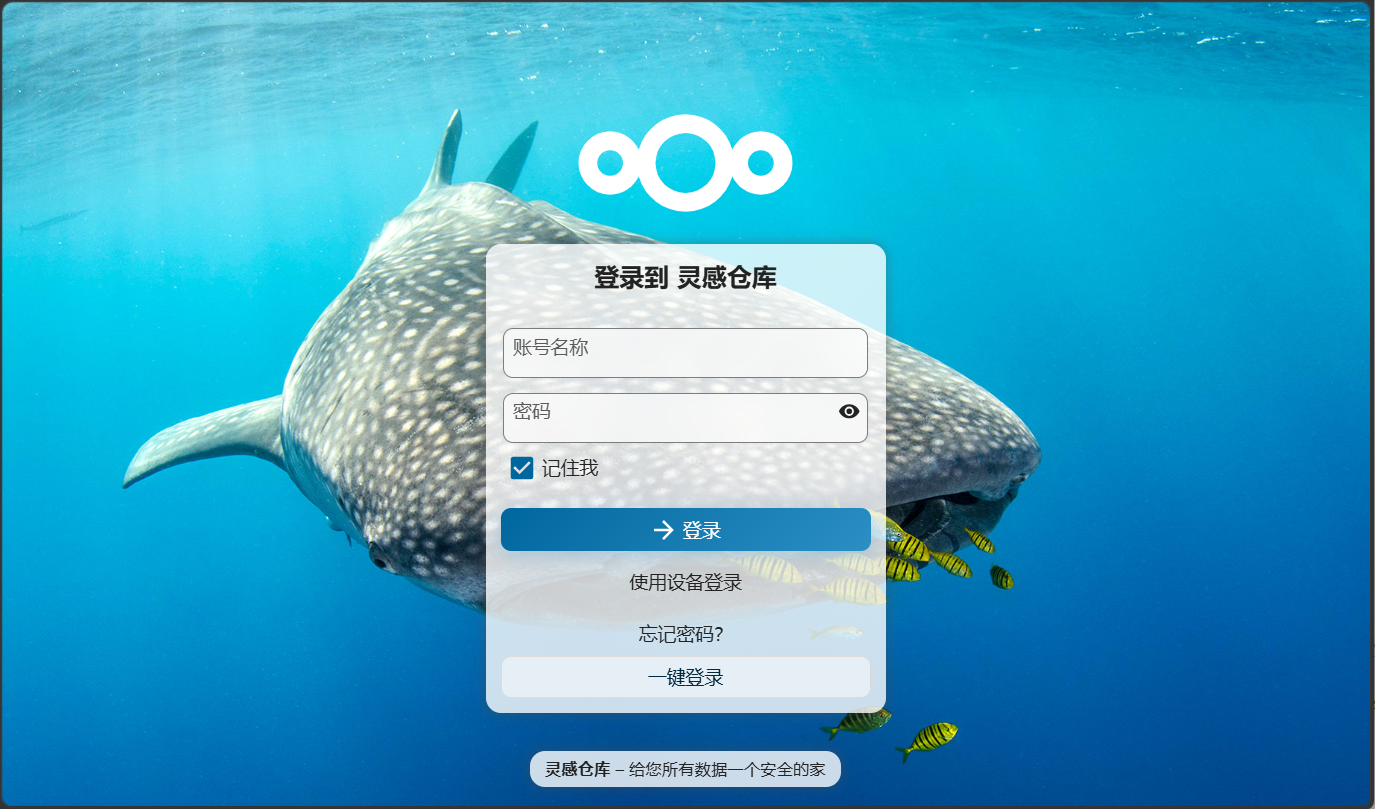
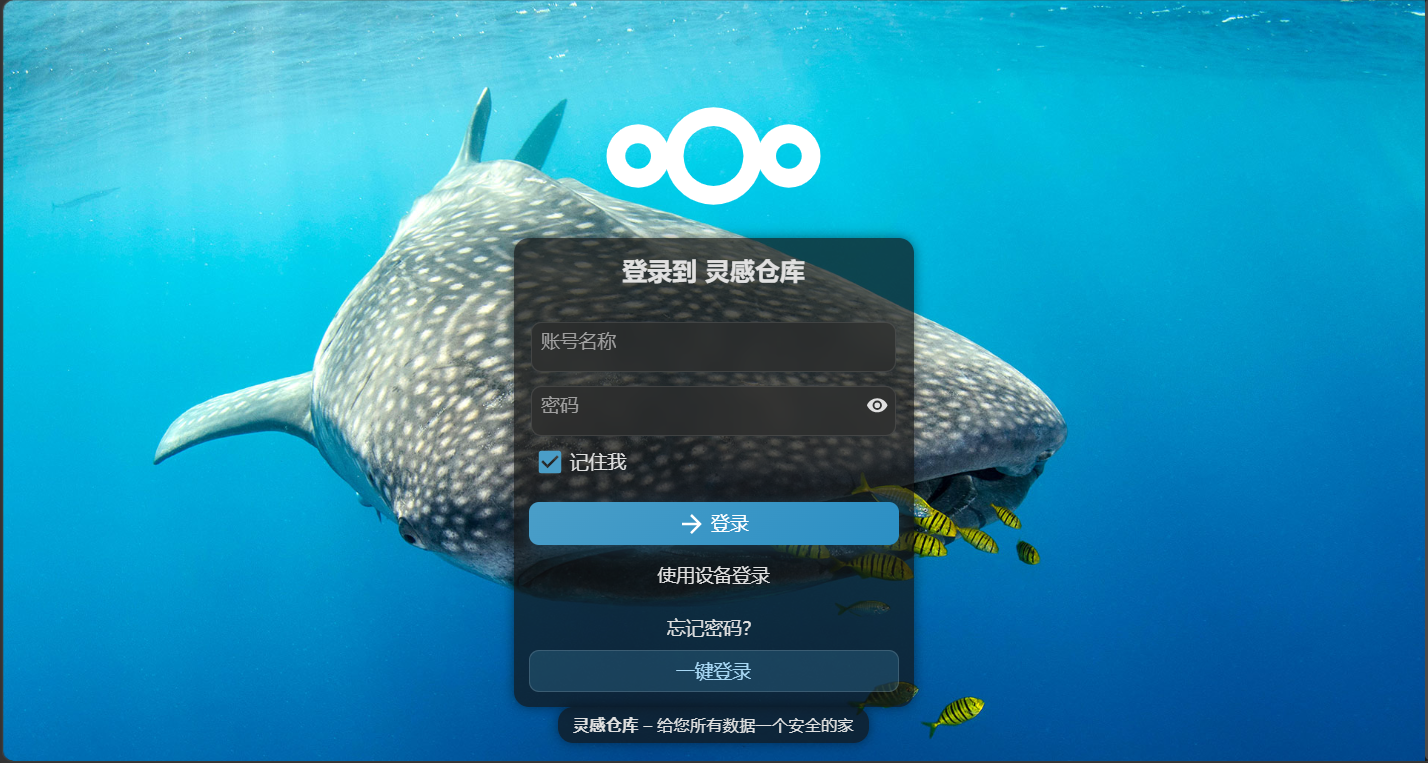
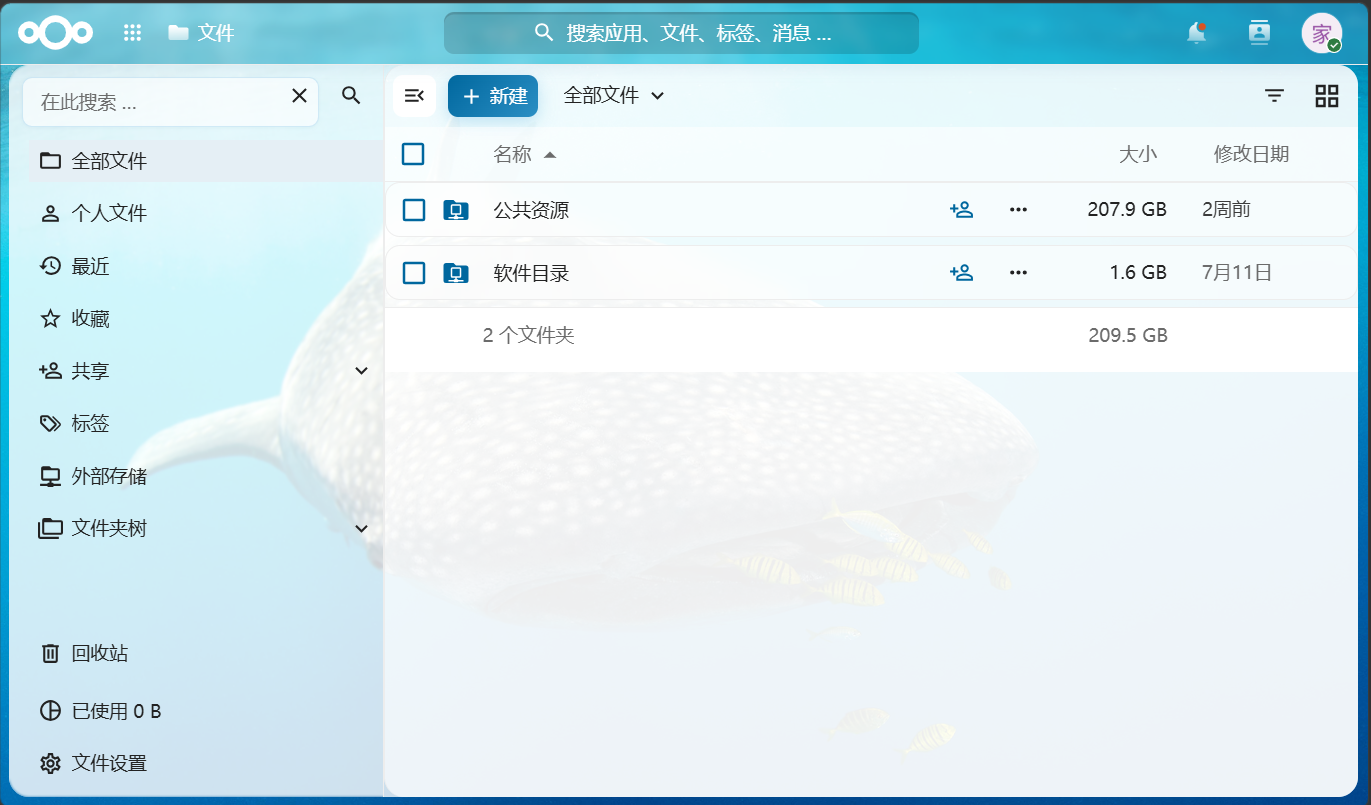
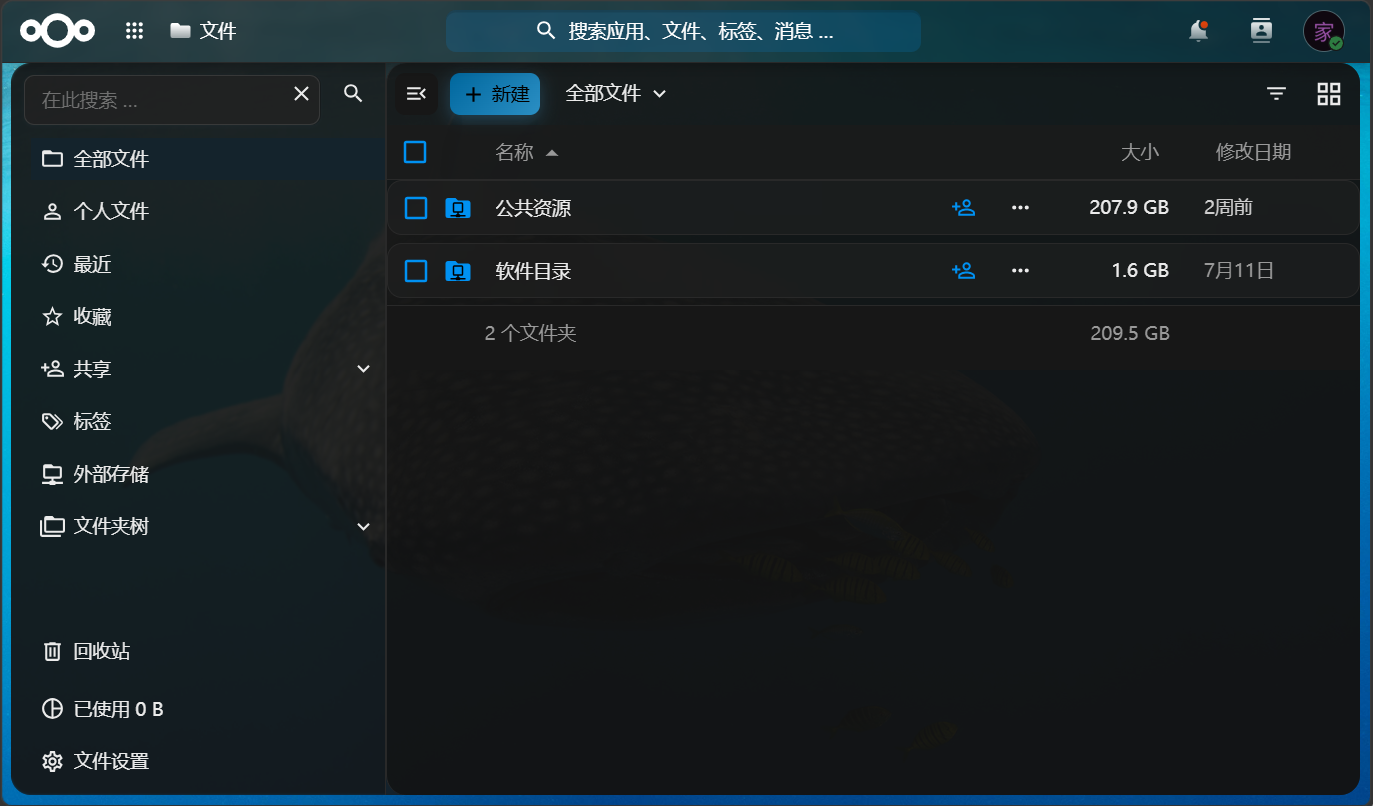
文件下载
该部分仅登录用户可见
2 条评论
说实话, 好丑
AI生成的,只改了一部分参数。我的目的就是为了把壁纸引进去,所以没花太多心思改。